
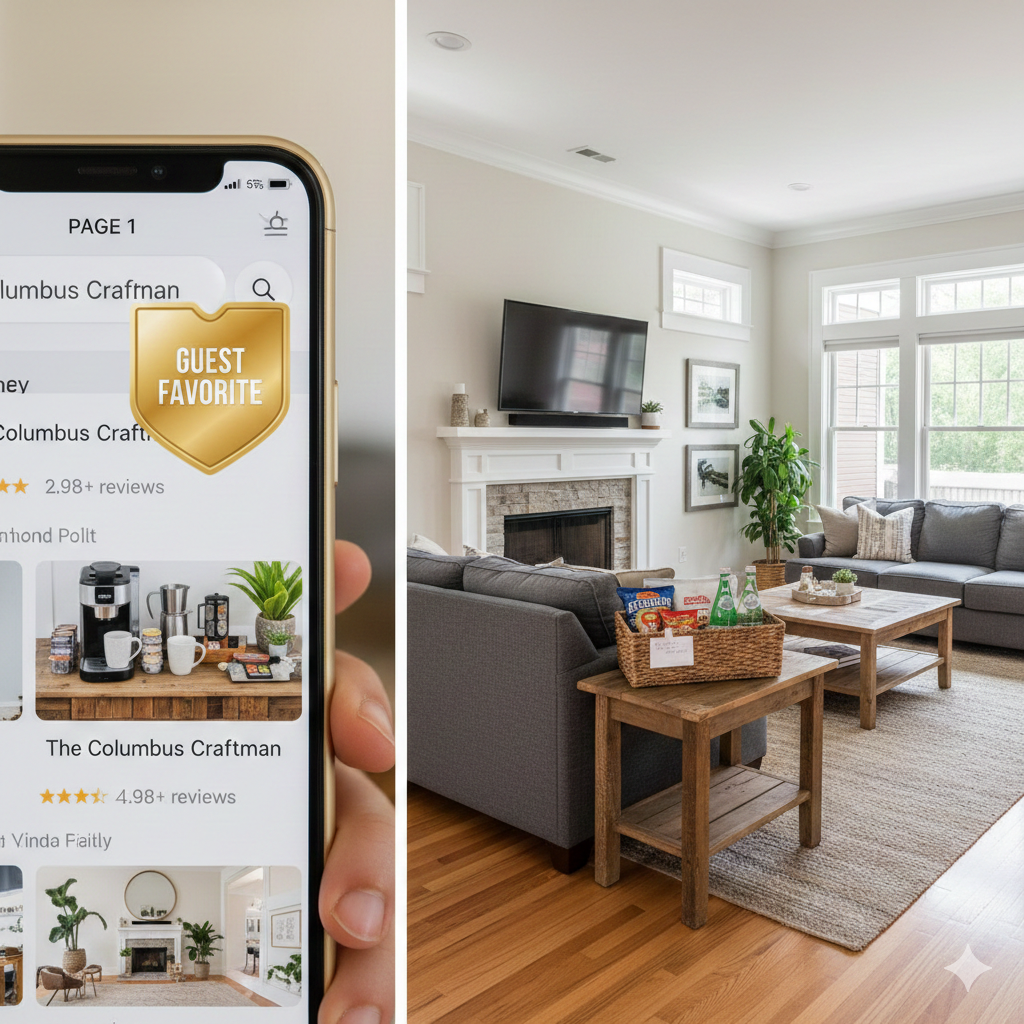
Airbnb Algorithm 2026: How to Rank Higher and Get More Bookings (Without Dropping Your Price)
If your Airbnb bookings are down, your first instinct is probably to cut price. That’s the fastest way to train your listing to attract the worst guests at the lowest margin. Don’t do that.
In 2026, Airbnb doesn’t reward “cheap.” It rewards reliable. What you’re really competing on is:
(1) guest satisfaction, (2) conversion, and (3) consistency.
Airbnb won’t publish an exact formula, but you don’t need the formula to win. You just need to focus on the signals you can control.
What Airbnb seems to reward right now
From what we see managing short-term rentals, these are the levers that move visibility and bookings:
1) Predictable guest experience
Listings that consistently deliver clean stays, accurate check-in, and fast communication tend to show up more and convert better. One bad cleanliness review can stick around longer than you want, and it drags down performance.
2) Conversion (views that actually turn into bookings)
If guests click your listing but don’t book, Airbnb learns something: either the listing doesn’t match expectations, the price doesn’t align with value, or the rules/fees are turning people off. The platform wants listings that convert because that’s how Airbnb makes money.
3) Reliability (the “don’t mess up” factor)
Host-initiated cancellations, slow responses, and “we’ll get back to you tomorrow” energy can bury a listing. Airbnb wants predictability because predictability reduces refunds and support tickets.
The 30-minute listing audit (do this before you touch price)
Most listings don’t have a pricing problem. They have a presentation + friction problem.
1) Fix your first 5 photos (this matters more than you think)
Guests decide in seconds. Your first five photos should tell a story:
Hero shot (best angle of living room or exterior)
Primary bedroom (clean, bright, inviting)
Kitchen + coffee setup (Columbus guests care about this)
Outdoor space / parking (especially for Fort Benning families)
“Lifestyle” photo (a seating area, trail view, firepit, or local vibe)
If your first photo is a hallway, a dark bathroom, or a crooked wide-angle shot, you’re done before you start.
2) Speed up responses without living on your phone
Fast responses help your guest experience and your conversion. Use Airbnb saved replies for:
check-in / access
parking
Wi-Fi
pet policy
late checkout (set expectations up front)
The goal is to respond quickly and consistently, even if the answer is “Let me confirm and I’ll update you shortly.”
3) Refresh amenities that drive bookings in Columbus
In our market, these tend to matter:
Verified strong Wi-Fi
Dedicated workspace
Pet-friendly + fenced yard (huge for military travelers and families)
Easy parking
Clear, simple check-in
Also: don’t hide the basics. If you have blackout curtains, good mattresses, smart TVs, and a stocked kitchen, show it.
4) Reduce booking friction
If your rules are confusing, your fees look weird, or your minimum stay blocks too many searches, you’ll lose conversion.
A common mistake: setting a rigid minimum stay that makes your calendar look “unavailable” in search, even when the home is empty. A smarter approach is a rule ladder (below).
Mistakes that tank ranking (and cash flow)
These are the self-inflicted wounds:
Host cancellations: the nuclear option. Avoid at all costs.
Slow response times: if you respond like a part-time host, Airbnb treats you like one.
Inconsistent cleaning: a single low cleanliness rating can hurt for months.
Aggressive minimum stays at the wrong time: great for peak demand, terrible during soft weeks.
Misleading listing: photos and description must match reality. If guests feel “tricked,” reviews and conversion suffer.
Columbus mini-example: how to use minimum stays + pricing without racing to the bottom
Columbus demand isn’t “beach season.” It’s event-and-military driven. The winning strategy is calendar discipline.
Step 1: Anchor peak demand with minimum stays
During high-demand weeks (training/graduation cycles, major local weekends), use a 3-night minimum and price with confidence if your listing is competitive and reviews are strong.
Step 2: Fill gaps intelligently (this is where money leaks)
If you have a stranded Tuesday/Wednesday gap within 7 days:
drop minimum stay to 1 night for those gap nights only
consider a small last-minute adjustment rather than leaving it empty
Empty nights don’t just reduce revenue. They train the listing to look less “bookable.”
Step 3: Keep your weekday value clear
Weekends often carry the month. Weekdays are where conversion dies. Your weekday offer needs to make sense:
great Wi-Fi
workspace
easy check-in
pet-friendly if possible
Your 2026 algorithm playbook (simple, repeatable)
Daily
Respond quickly
Watch for unanswered inquiries
Fix small guest issues before they become review issues
Weekly
Check pricing against your competitive set
Update one thing (photo order, title, amenities, house rules clarity)
Review upcoming gaps and adjust minimum stays
Monthly
Audit cleanliness and maintenance patterns
Re-test Wi-Fi
Tighten your house manual and check-in instructions
Review your last 10 reviews for recurring feedback
Bottom line
If your listing is “stuck on page 3,” it’s usually one of these:
weak first photos
unclear offer (amenities/rules)
too much booking friction (min stays/fees)
inconsistent cleaning or guest experience
slow communication
Want a second set of eyes on your listing? We’ll do a quick STR audit: photos, conversion friction, pricing ladder, and operational issues that hurt reviews.
Request a 30-minute STR Strategy Review: 5pre.com
Disclaimer: Airbnb’s search and ranking systems evolve. This post reflects practical operational best practices, not an official Airbnb ranking formula.
